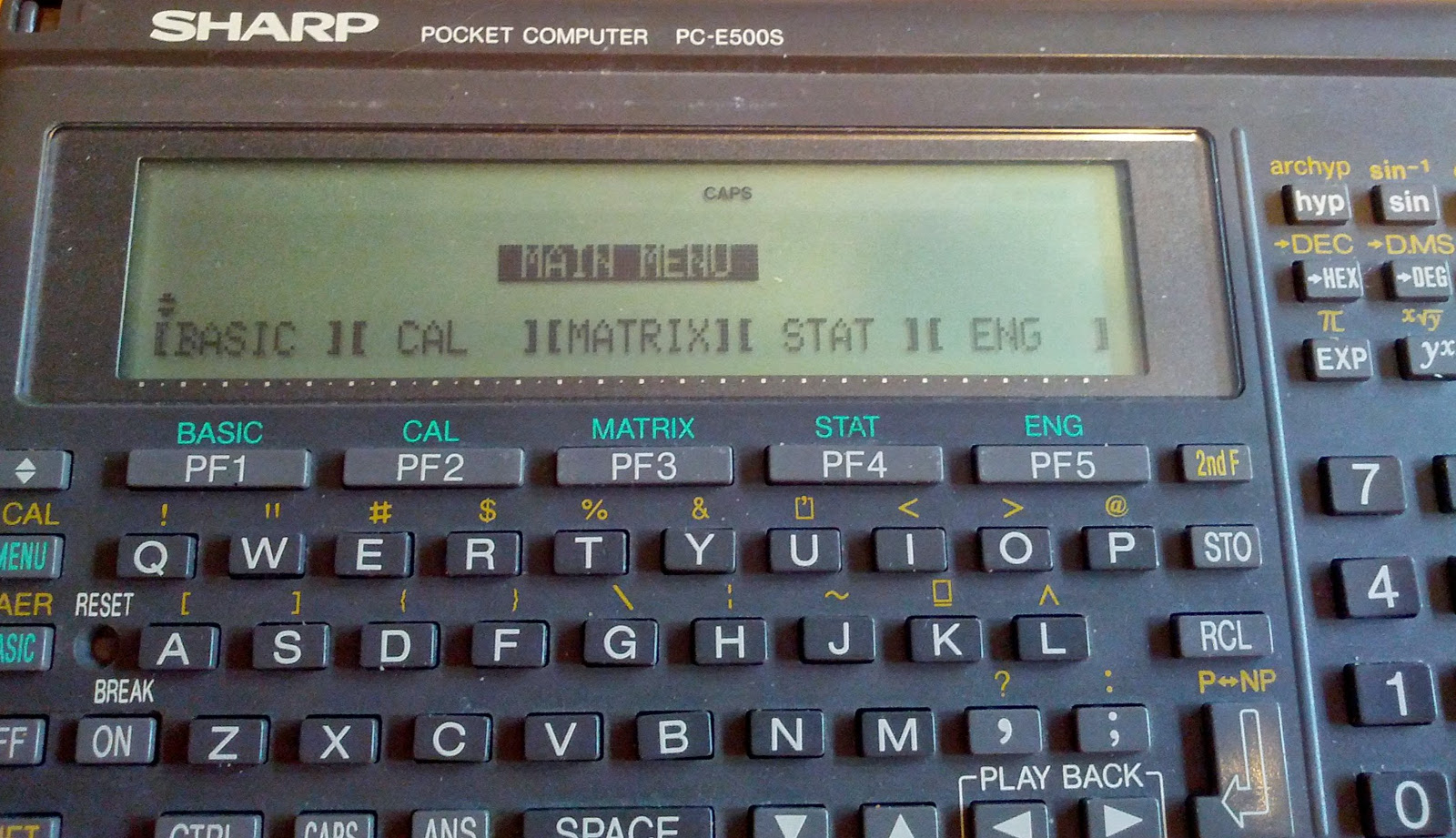
Sharp PC-E500S Display Repair
If the display of your PC-E500S Sharp Pocket Computer has lost its contrast and shows different black bars on the left and right side (see images below),
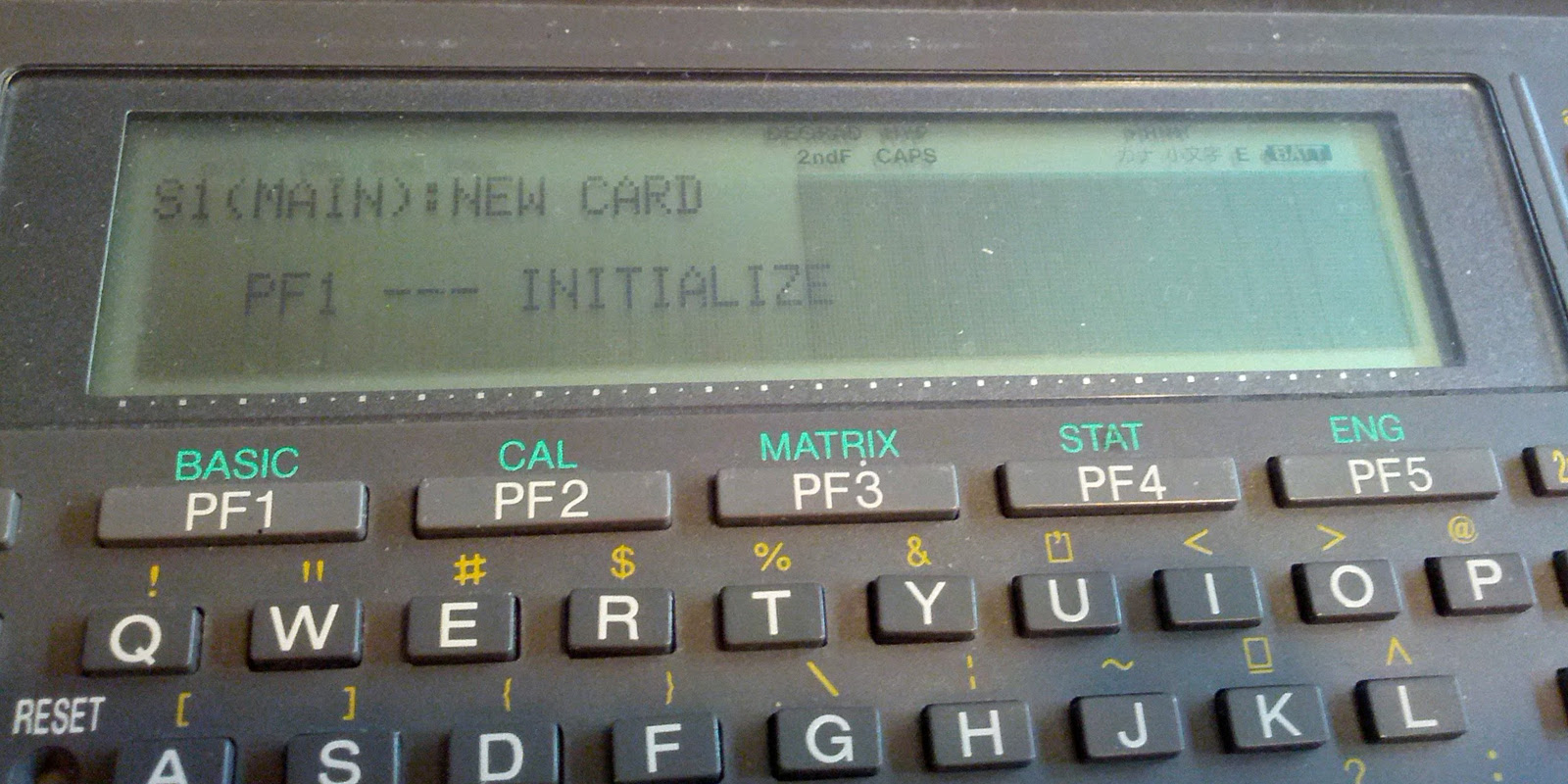
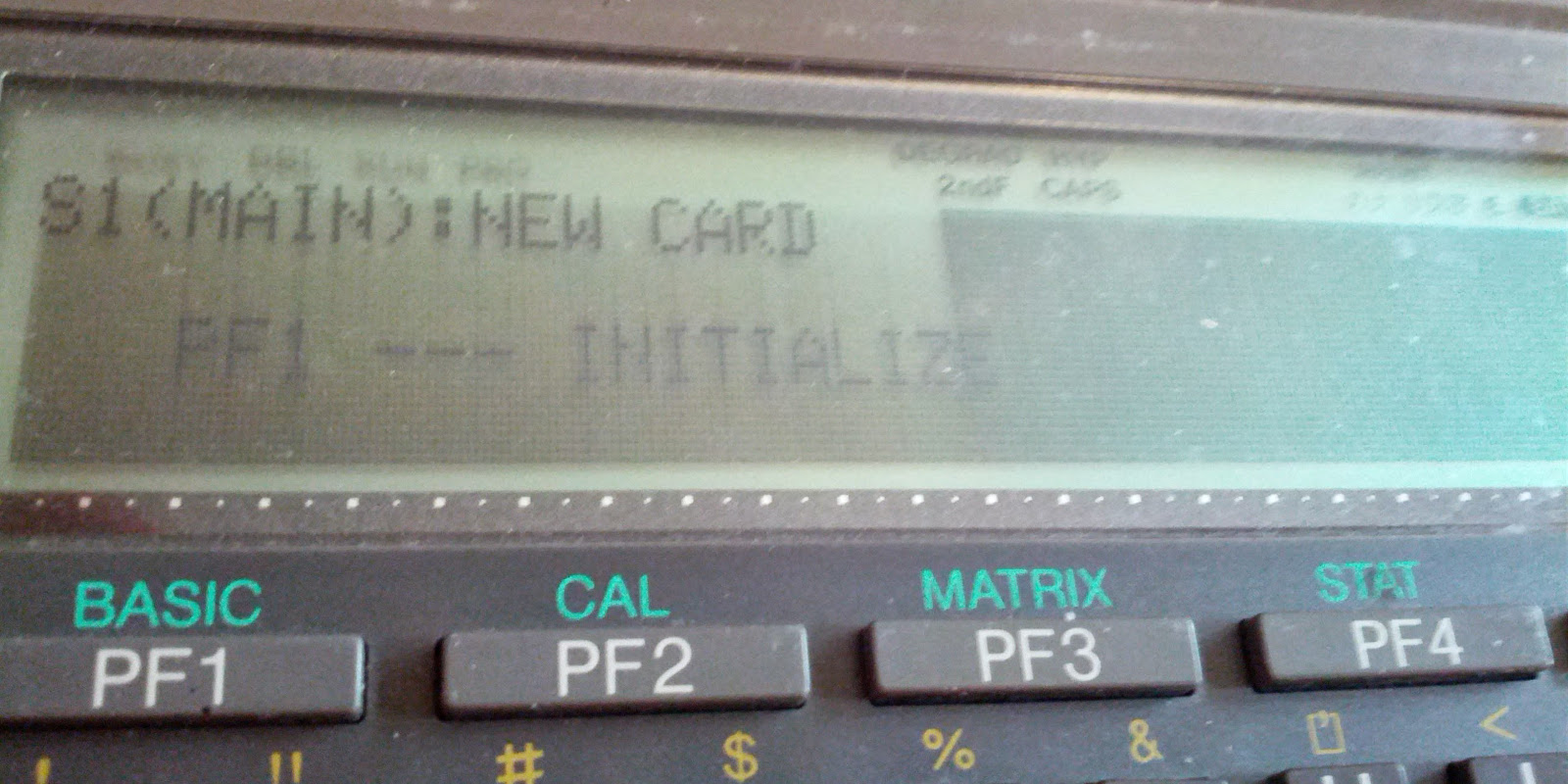
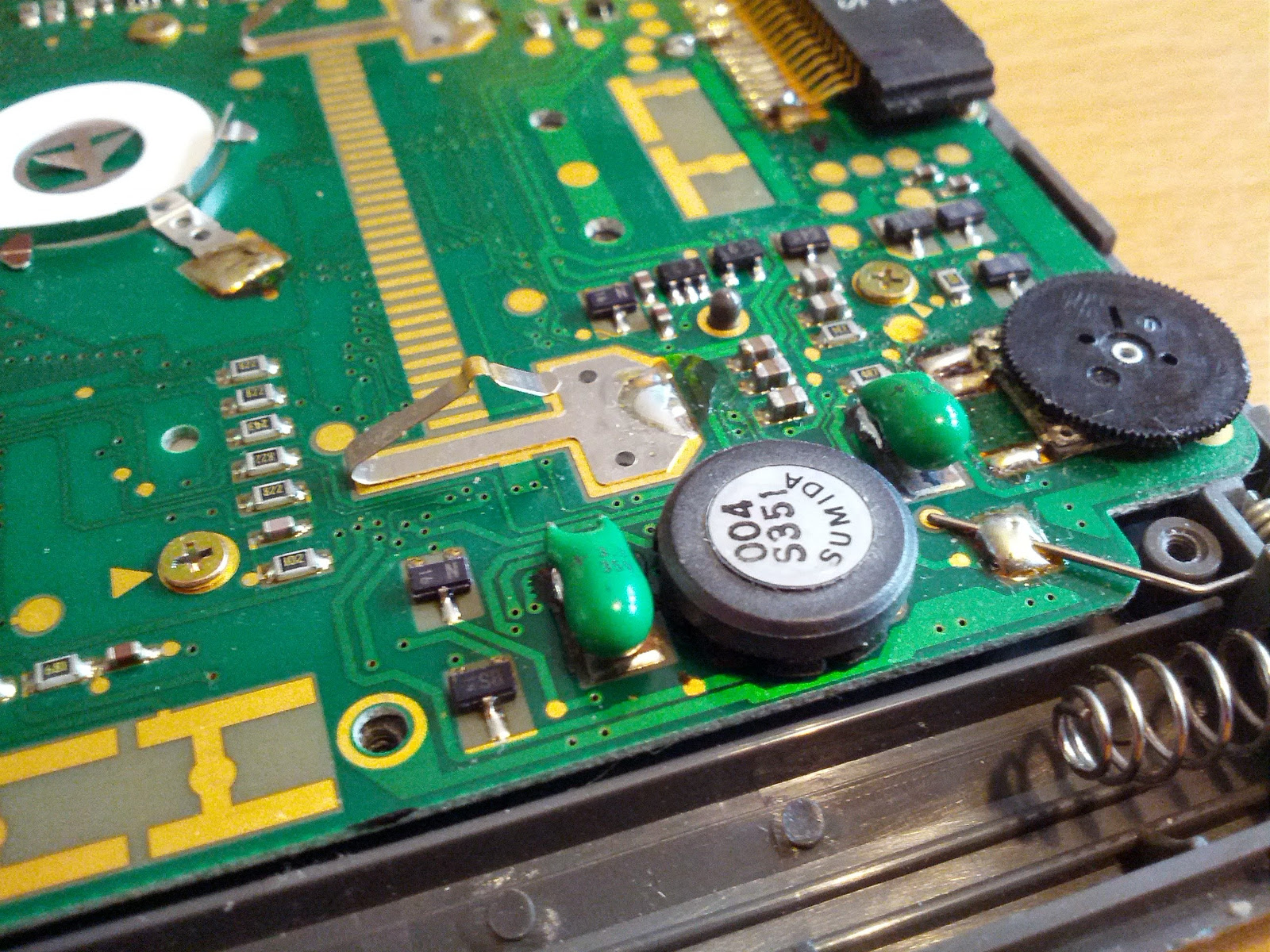
then it might be possible to do a simple repair job on it. Most likly it's the two capacitors for the display power regulator that failed due to aging. Luckily it's no big deal to change them, even though they are surface mounted devices. One has a maximum voltage of 16V and the other 25V but both have a capacity of 3.3μF.
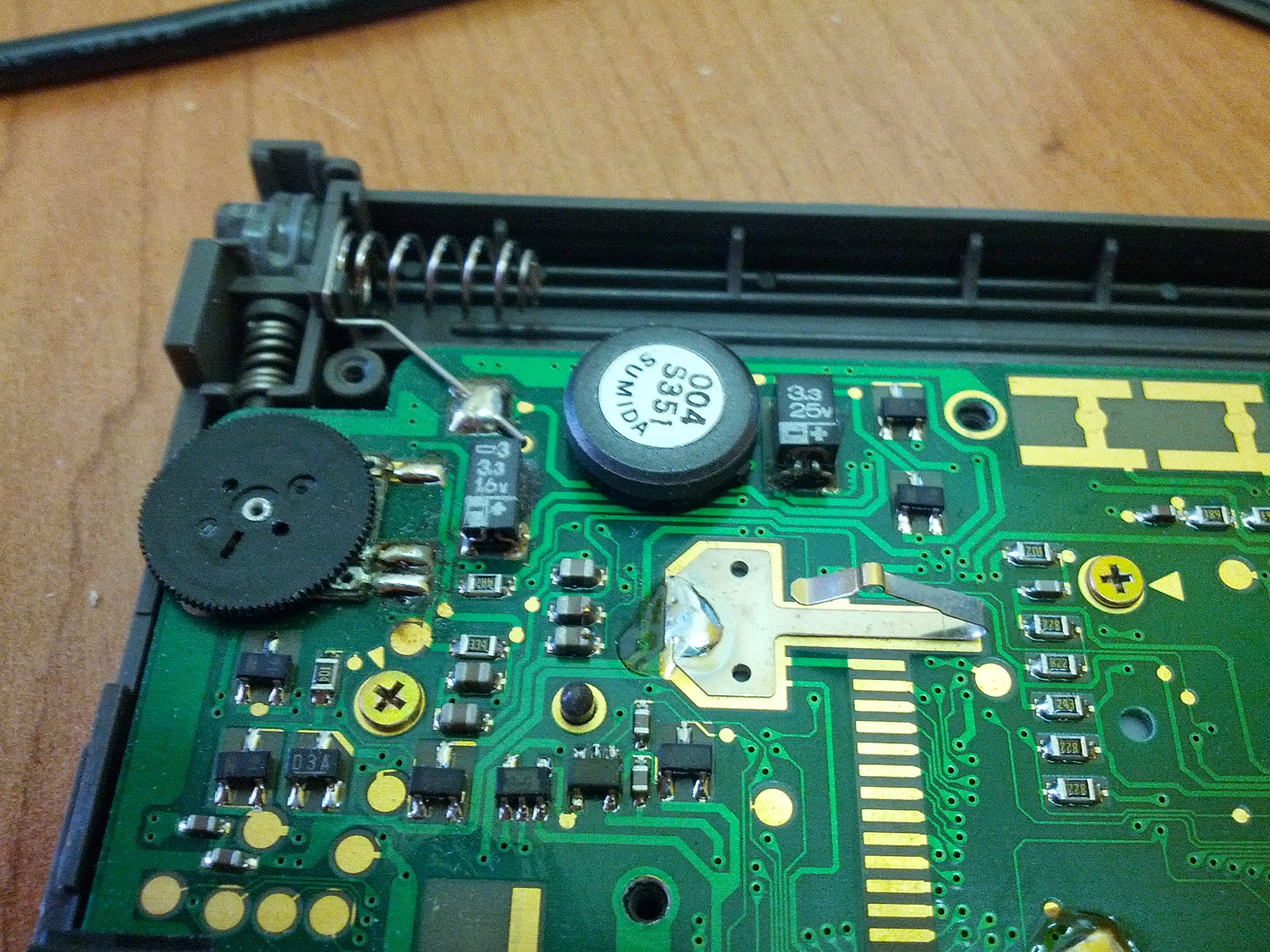
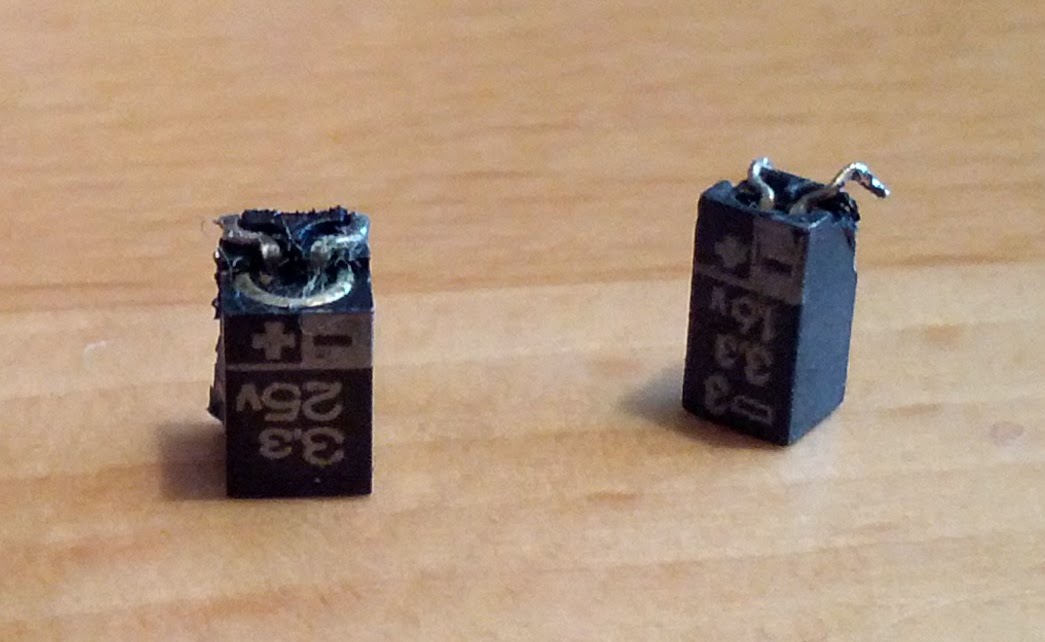
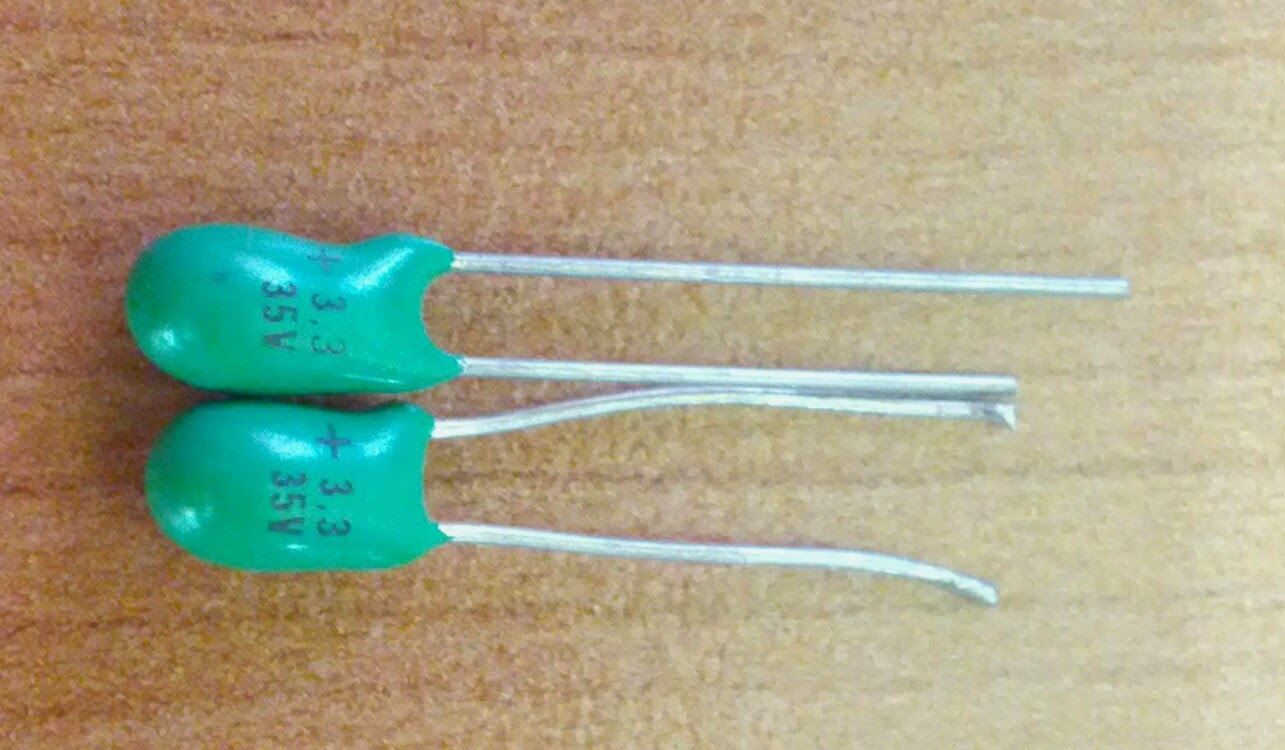
I replaced them with regular (not SMD) tantalum electrolytic capacitors (both 3.3μF/35V), mainly because I already had them. Also they are very durable and small enought to fit into the case.
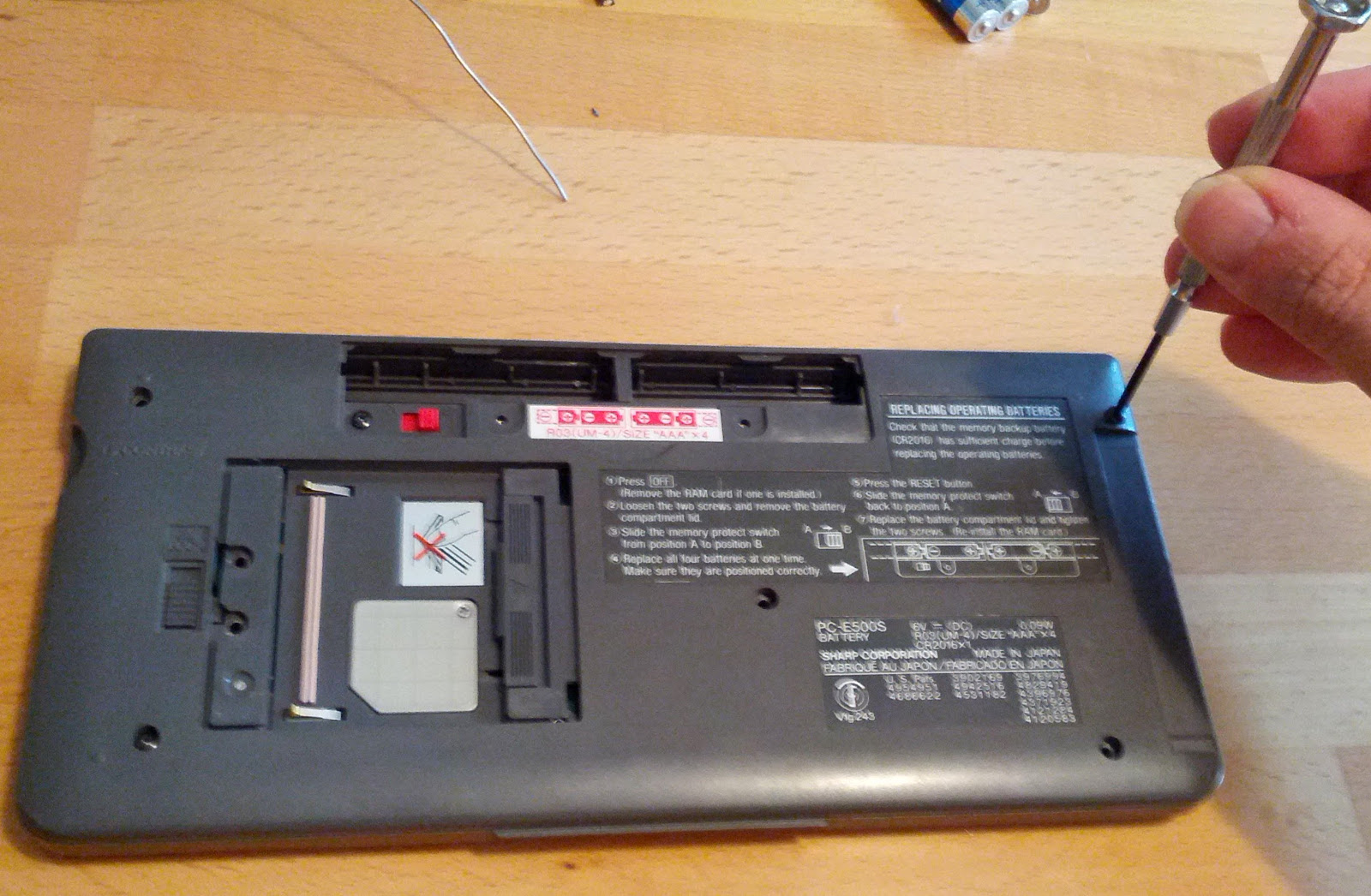
First remove all batteries (including the memory protection battery) and disassemble the device by removing all screws from the backside, even those under the the RAM card cover and battery cover. Gently pull open the housing, starting on the front side.
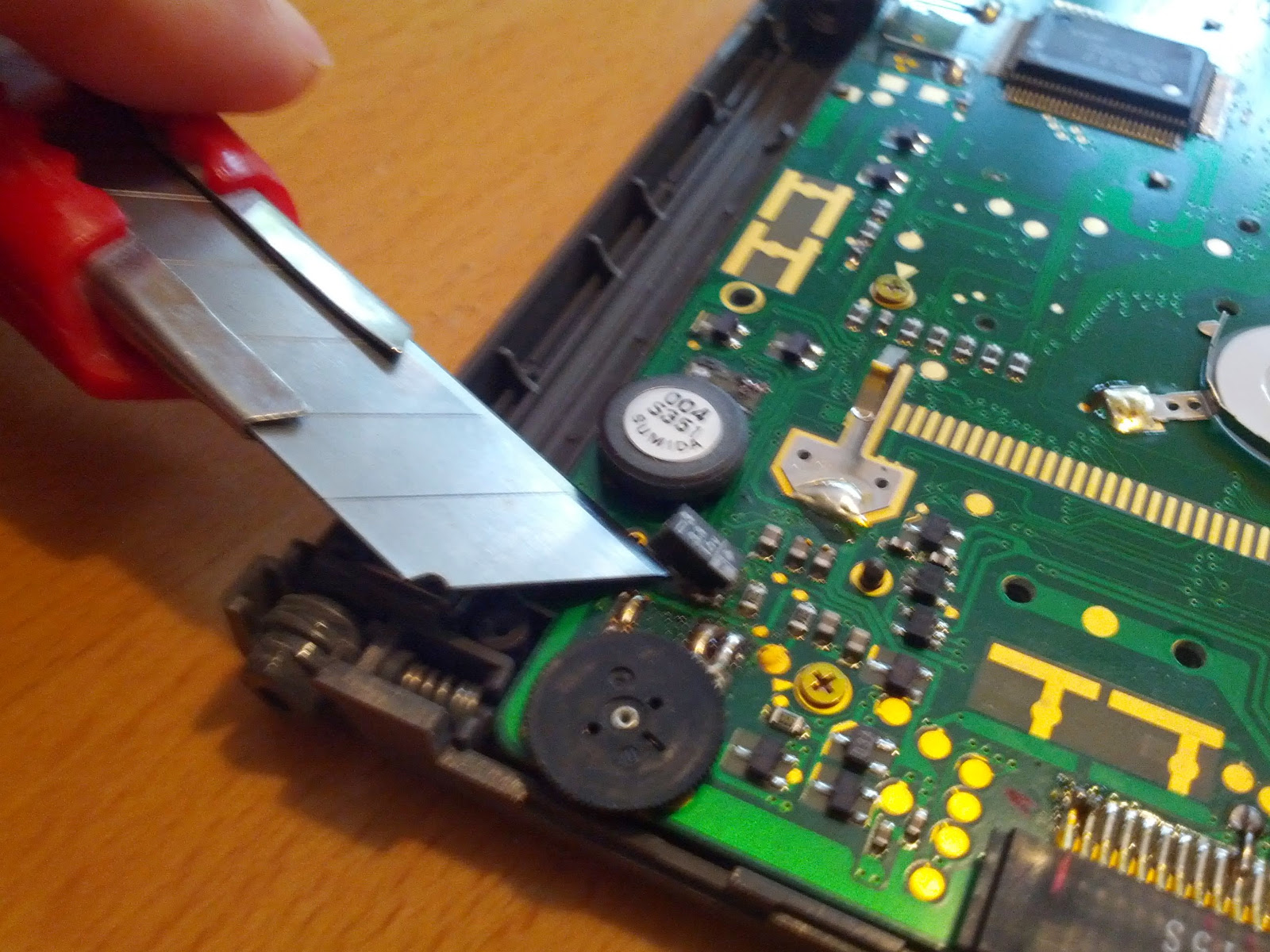
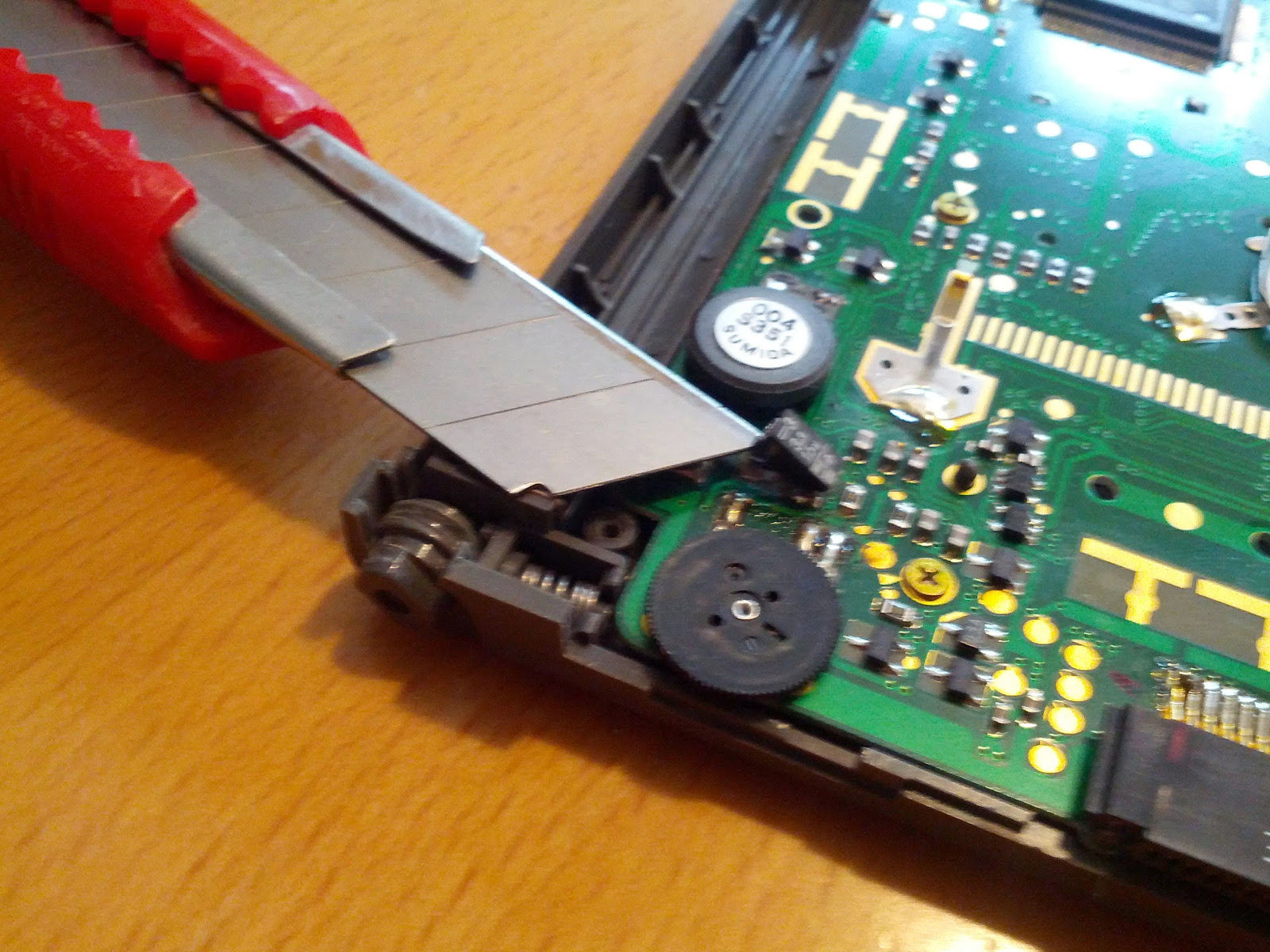
The capacitors are glued to the PCB, so use a sharp knife to loosen them. That makes unsoldering easier. Don't forget to remember the polarity.
When you've finished removing the old capacitors, clean the PCB and solder in the new tantalum capacitors.
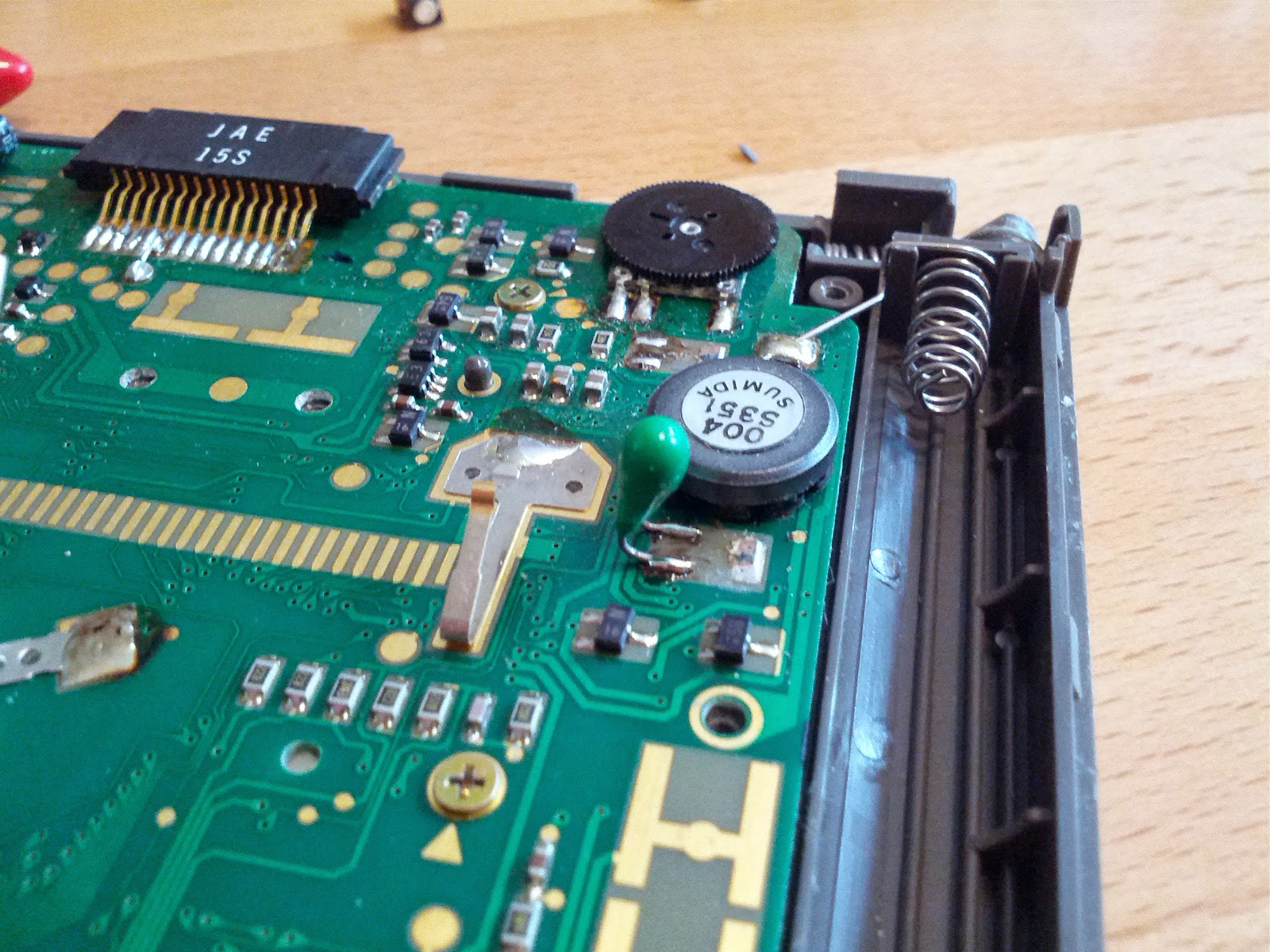
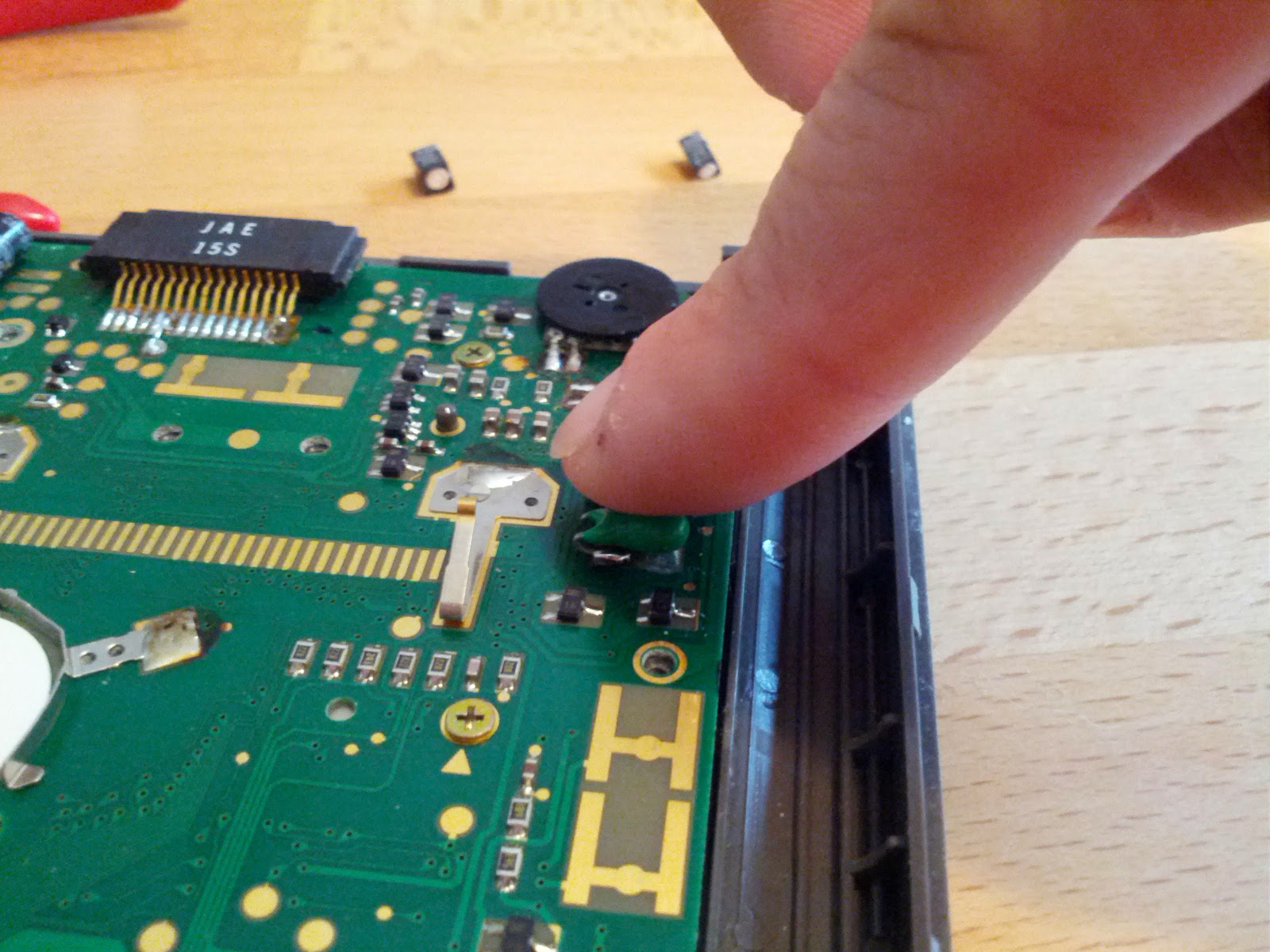
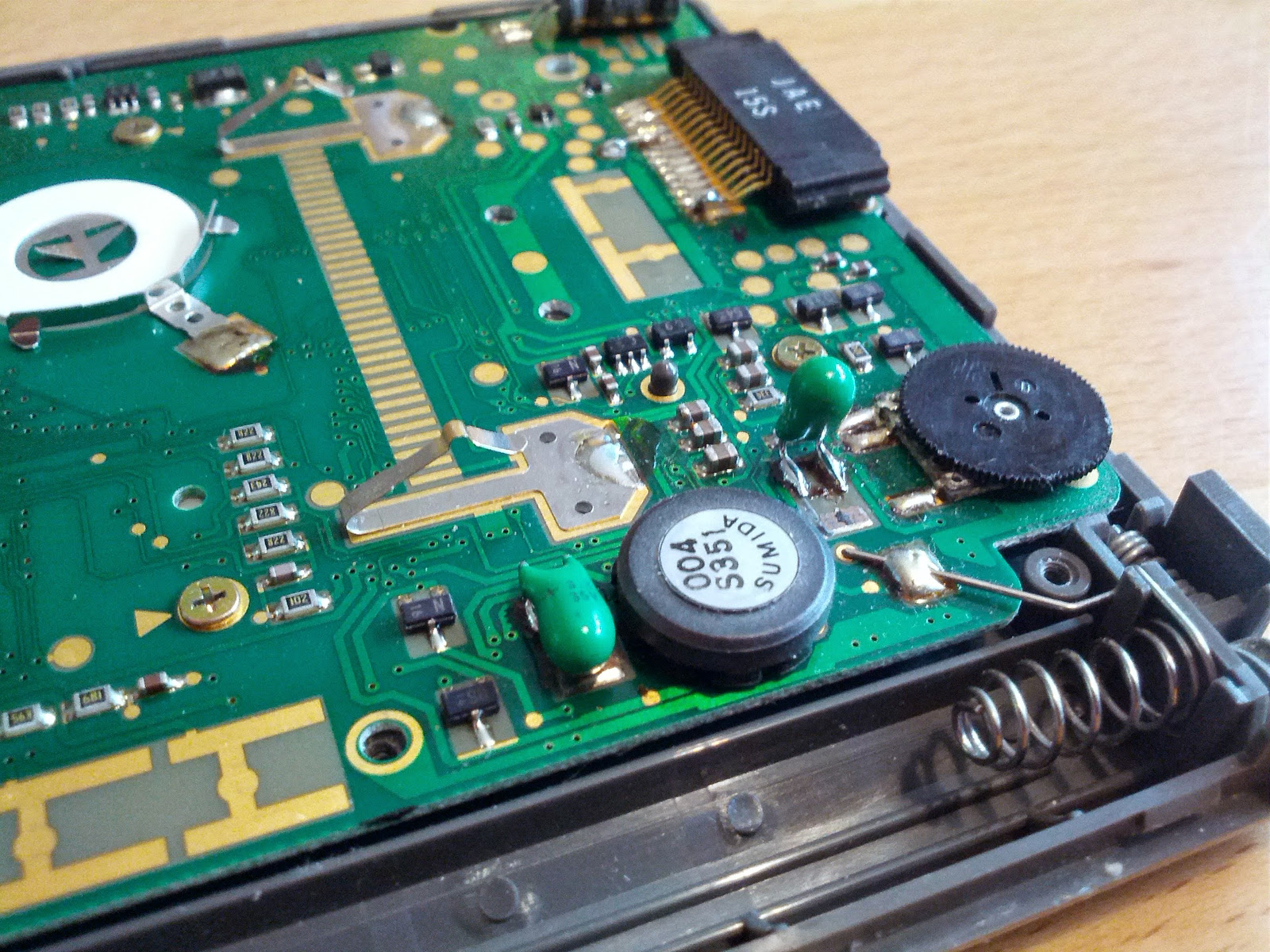
After reassembling everything put back the batteries and enjoy a flawless display.